 d792db81e8
Everytime CLN wants to pay an invoice, or send a keysend, the very first
message it sends is either PreapproveInvoice, or PreapproveKeysend. So
these should go only to signers that have the send feature.
If for some reason the send signer crashes, and broker starts talking to
a receiveonly signer, 1) broker will see that it's receive only, so it
will wait for a send signer to connect back. 2) if broker still sends,
the receive only signer can be programmed to immediately reject any
preapprove messages.
sphinx-key
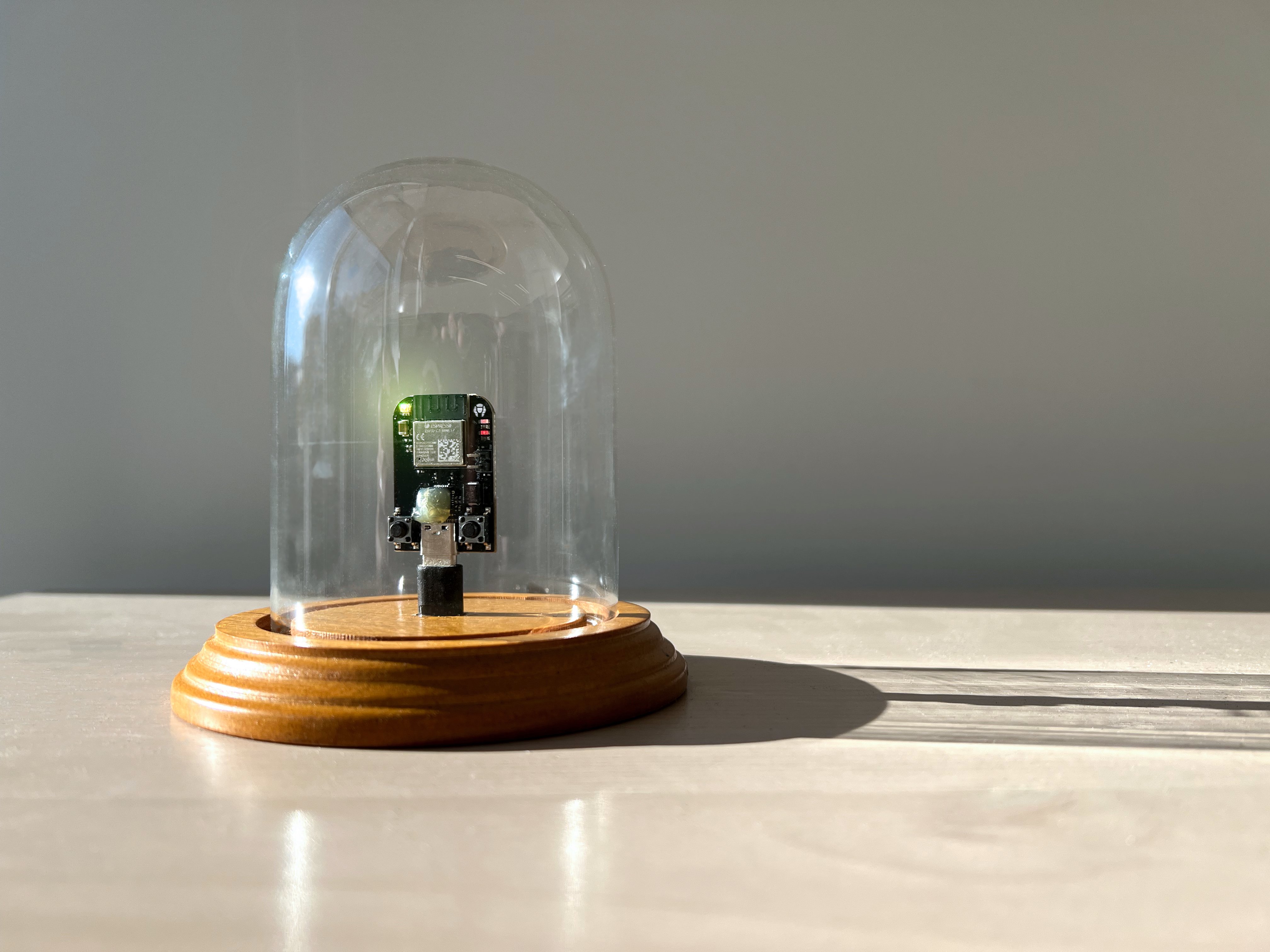
A Lightning Hardware Wallet based on Validating Lightning Signer
build and flash firmware
build factory
cd factory
cargo build --release
Find your port (ls /dev/tty.*)
PORT=/dev/tty.usbserial-1420
espflash $PORT target/riscv32imc-esp-espidf/release/sphinx-key-factory
esptool.py --chip esp32c3 elf2image target/riscv32imc-esp-espidf/release/sphinx-key-factory
build
cd ../sphinx-key
The wifi SSID and password needs to be in env to build the firmware. SSID must be at least 6 characters, and PASS must be at least 8 characters.
SSID=sphinx-1 PASS=sphinx-1234 cargo build --release
install esptool
pip install esptool
flash release
esptool.py --chip esp32c3 elf2image target/riscv32imc-esp-espidf/release/sphinx-key
esptool.py --chip esp32c3 -p $PORT -b 460800 --before=default_reset --after=hard_reset write_flash --flash_mode dio --flash_freq 40m --flash_size 4MB 0x10000 target/riscv32imc-esp-espidf/release/sphinx-key.bin
monitor
espmonitor $PORT
configure the hardware (or you can use your Sphinx app)
make a seed: ./newseed.sh
make a .env file like:
SSID={my_ssid}
PASS={my_wifi_password}
BROKER={broker_ip_and_port}
SEED={my_seed_hex}
NETWORK=regtest
connect to the sphinxkey network on your computer
cargo run --bin config
This will encrypt your seed and send to the hardware, along with your home wifi information and broker address
other utils
clear NVS storage
espflash target/riscv32imc-esp-espidf/debug/clear
espmonitor $PORT
pingpong test
cargo build --features pingpong
espflash target/riscv32imc-esp-espidf/debug/sphinx-key --monitor
button test
espflash target/riscv32imc-esp-espidf/debug/btn
espmonitor $PORT
dependencies
cargo nightly:
rustup install nightly
rustup component add rust-src --toolchain nightly
rustup default nightly
python 3.7 or higher is required
cargo sub-commands:
cargo install cargo-generate
cargo install ldproxy
cargo install espflash
cargo install espmonitor
cargo generate esp-rs
cargo generate --git https://github.com/esp-rs/esp-idf-template cargo
std support: true
v4.4
esp32c3
nightly
cargo build
espflash notes
espflash save-image esp32-c3 target/riscv32imc-esp-espidf/release/sphinx-key ./test-flash
espflash board-info
esptool.py --chip esp32c3 elf2image target/riscv32imc-esp-espidf/release/sphinx-key
esptool.py --chip esp32c3 -p /dev/tty.usbserial-1420 -b 460800 --before=default_reset --after=hard_reset write_flash --flash_mode dio --flash_freq 40m --flash_size 4MB 0x10000 target/riscv32imc-esp-espidf/release/sphinx-key.bin
espmonitor /dev/tty.usbserial-1420
for ESP-IDF#4.3.2: export CC=$PWD/.embuild/espressif/tools/riscv32-esp-elf/esp-2021r2-8.4.0/riscv32-esp-elf/bin/riscv32-esp-elf-gcc