
6.5 KiB
Arbitrary-steps Image Super-resolution via Diffusion Inversion
Zongsheng Yue, Kang Liao, Chen Change Loy
⭐ If InvSR is helpful to your researches or projects, please help star this repo. Thanks! 🤗
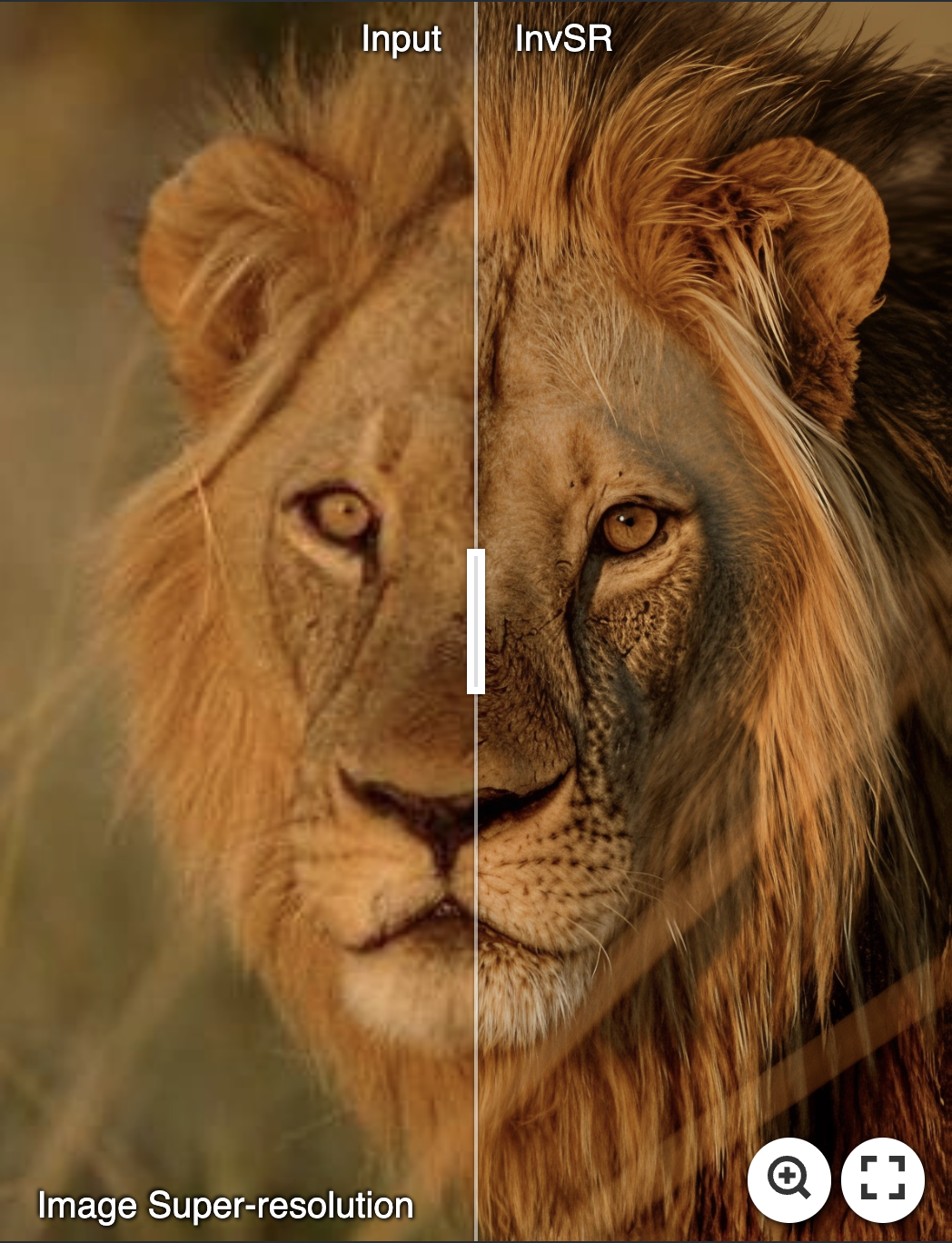
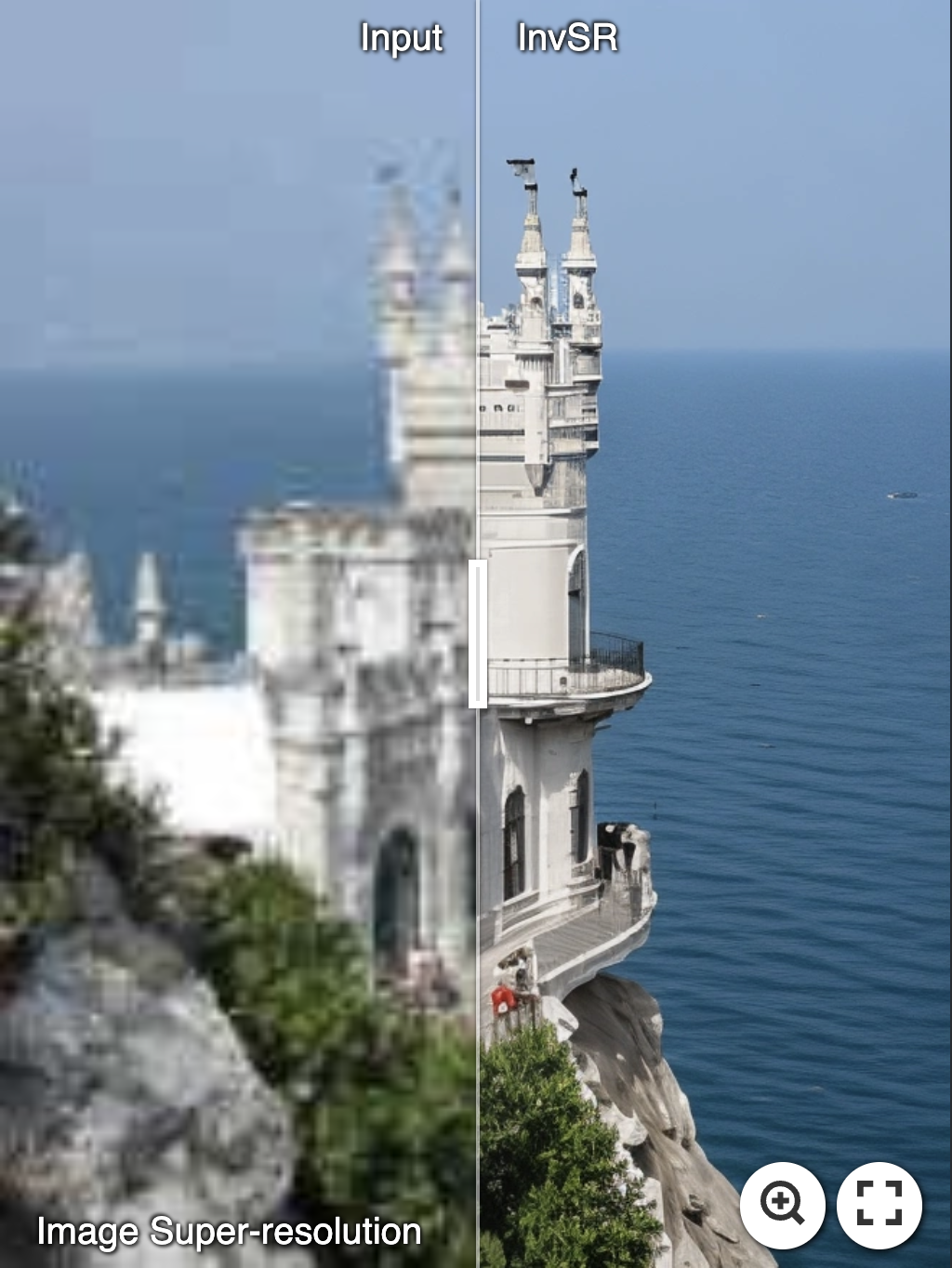
This study presents a new image super-resolution (SR) technique based on diffusion inversion, aiming at harnessing the rich image priors encapsulated in large pre-trained diffusion models to improve SR performance. We design a \textit{Partial noise Prediction} strategy to construct an intermediate state of the diffusion model, which serves as the starting sampling point. Central to our approach is a deep noise predictor to estimate the optimal noise maps for the forward diffusion process. Once trained, this noise predictor can be used to initialize the sampling process partially along the diffusion trajectory, generating the desirable high-resolution result. Compared to existing approaches, our method offers a flexible and efficient sampling mechanism that supports an arbitrary number of sampling steps, ranging from one to five. Even with a single sampling step, our method demonstrates superior or comparable performance to recent state-of-the-art approaches.

Update
- 2024.12.11: Create this repo.
Requirements
- Python 3.10, Pytorch 2.4.0, xformers 0.0.27.post2
- More detail (See environment.yaml)
- A suitable conda environment named
invsrcan be created and activated with:
conda create -n invsr python=3.10
conda activate invsr
pip install torch==2.4.0 torchvision==0.19.0 torchaudio==2.4.0 --index-url https://download.pytorch.org/whl/cu121
pip install -U xformers==0.0.27.post2 --index-url https://download.pytorch.org/whl/cu121
pip install -e ".[torch]"
pip install -r requirements.txt
Applications
👉 Real-world Image Super-resolution
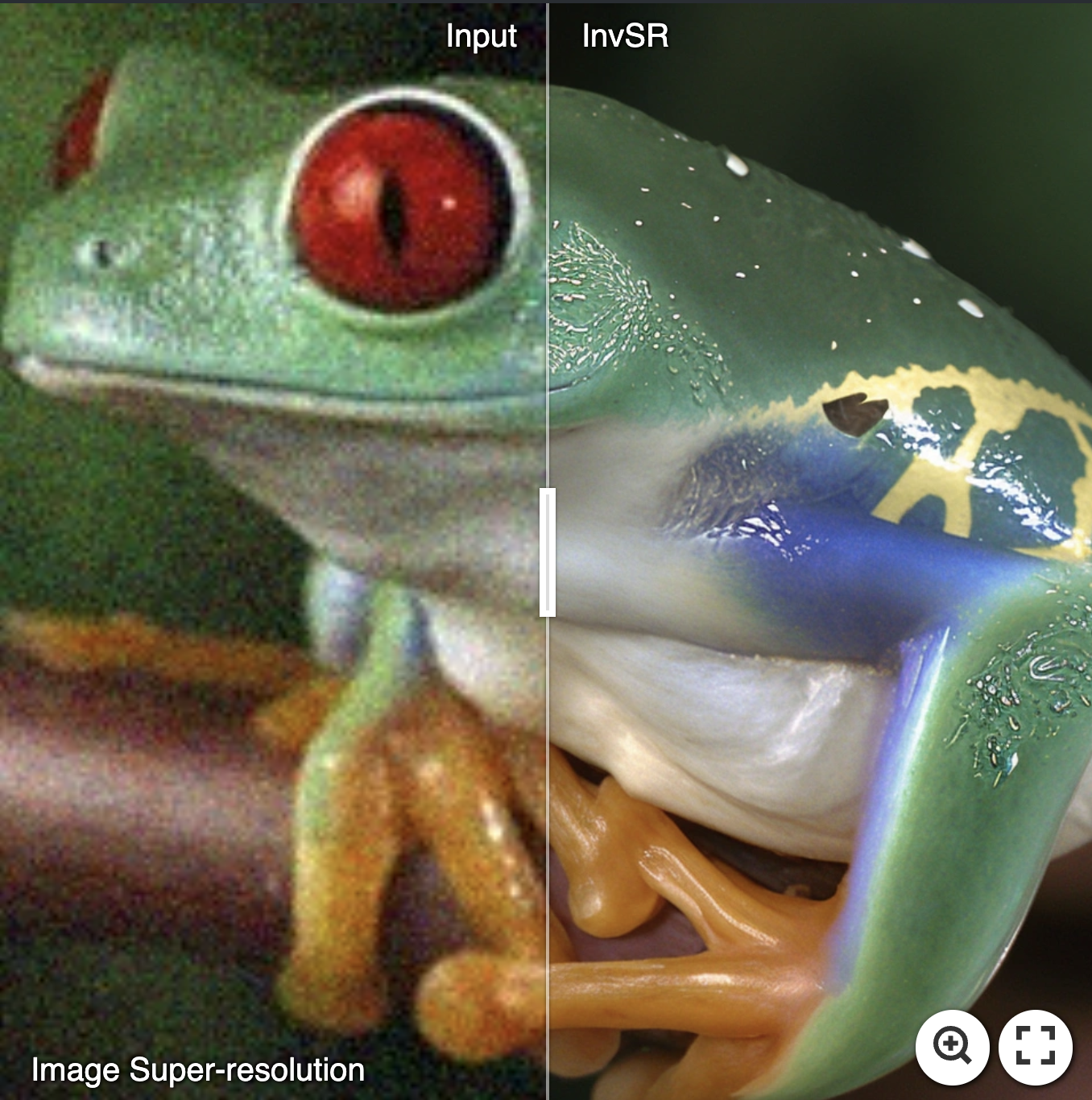
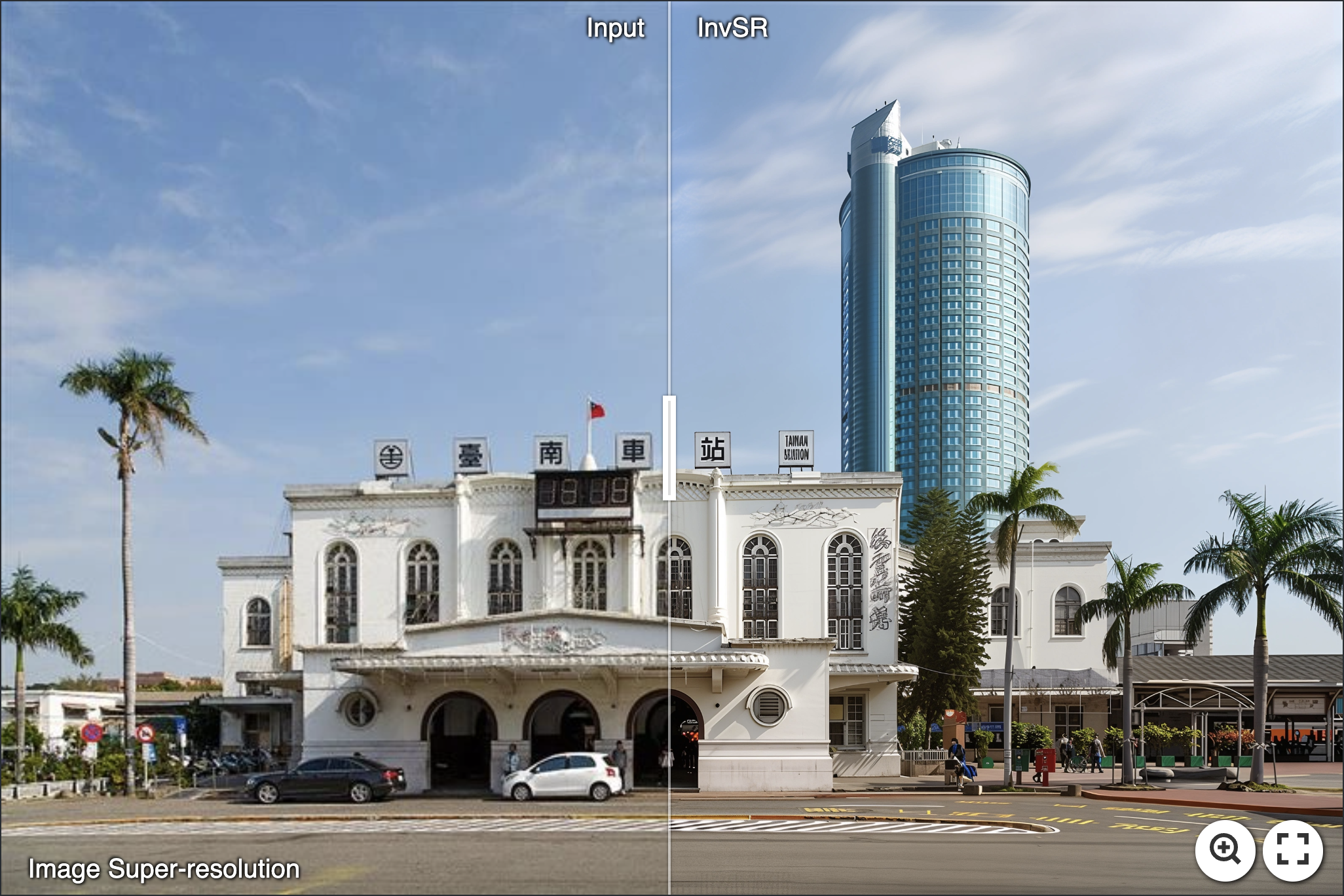
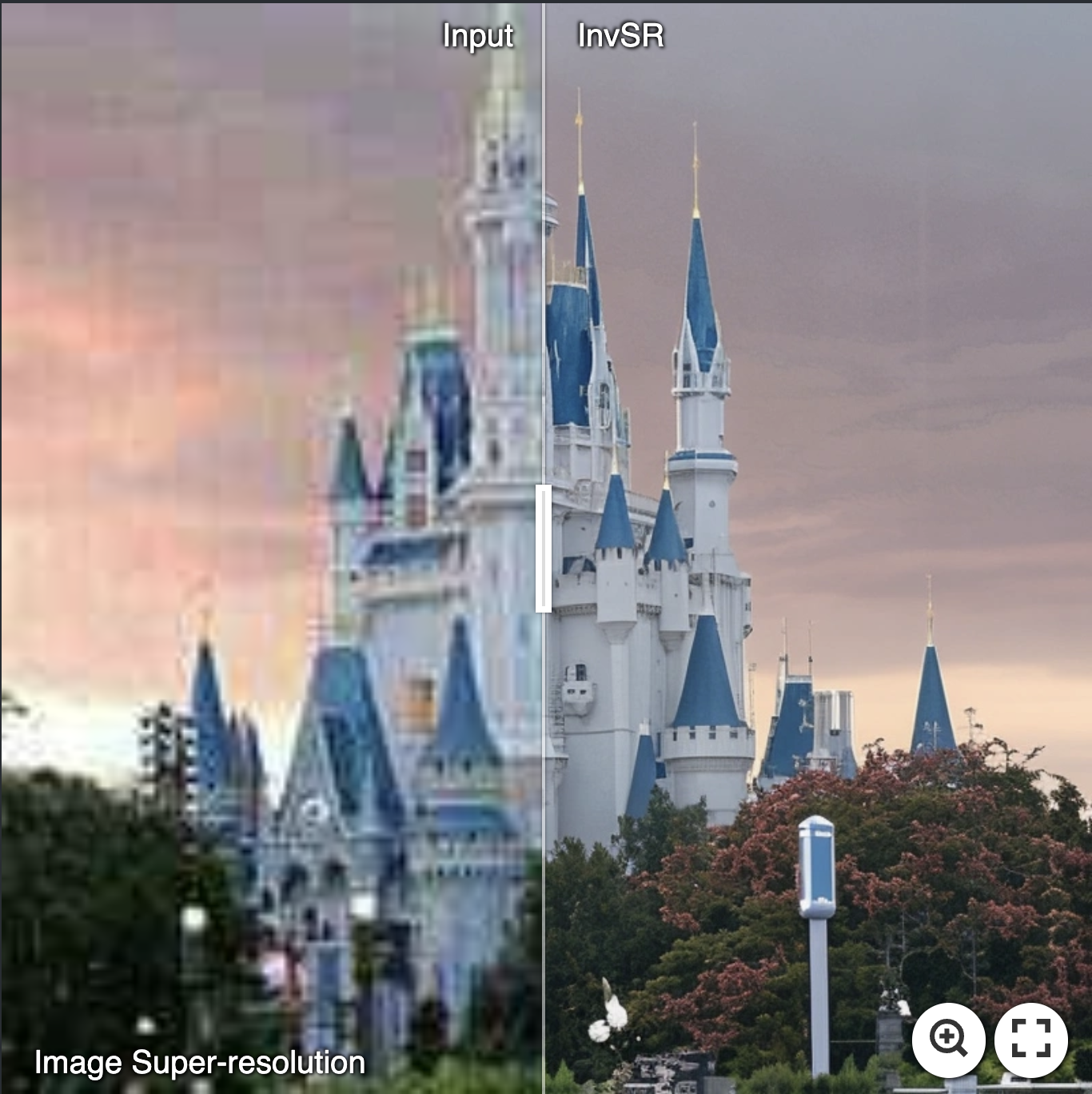
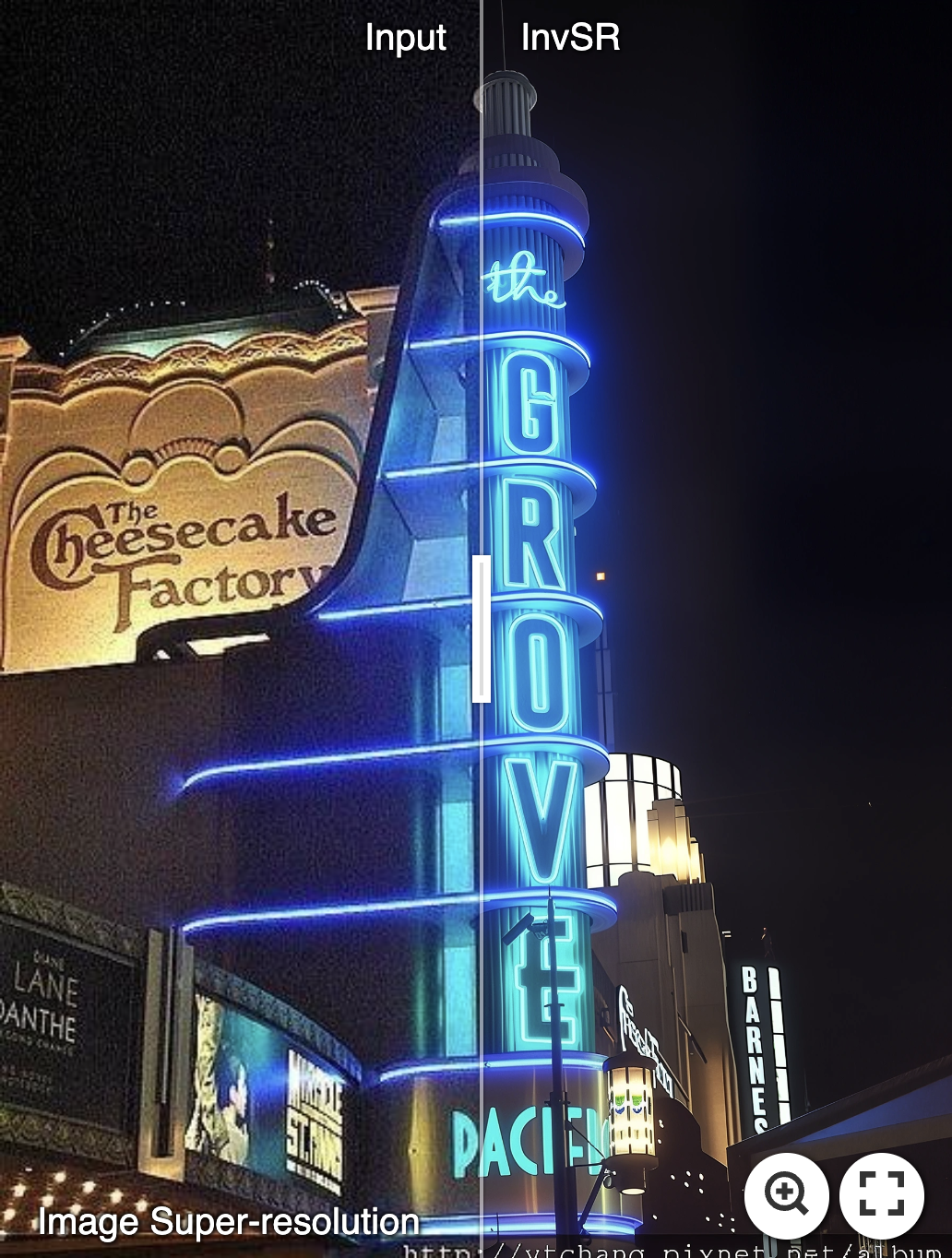
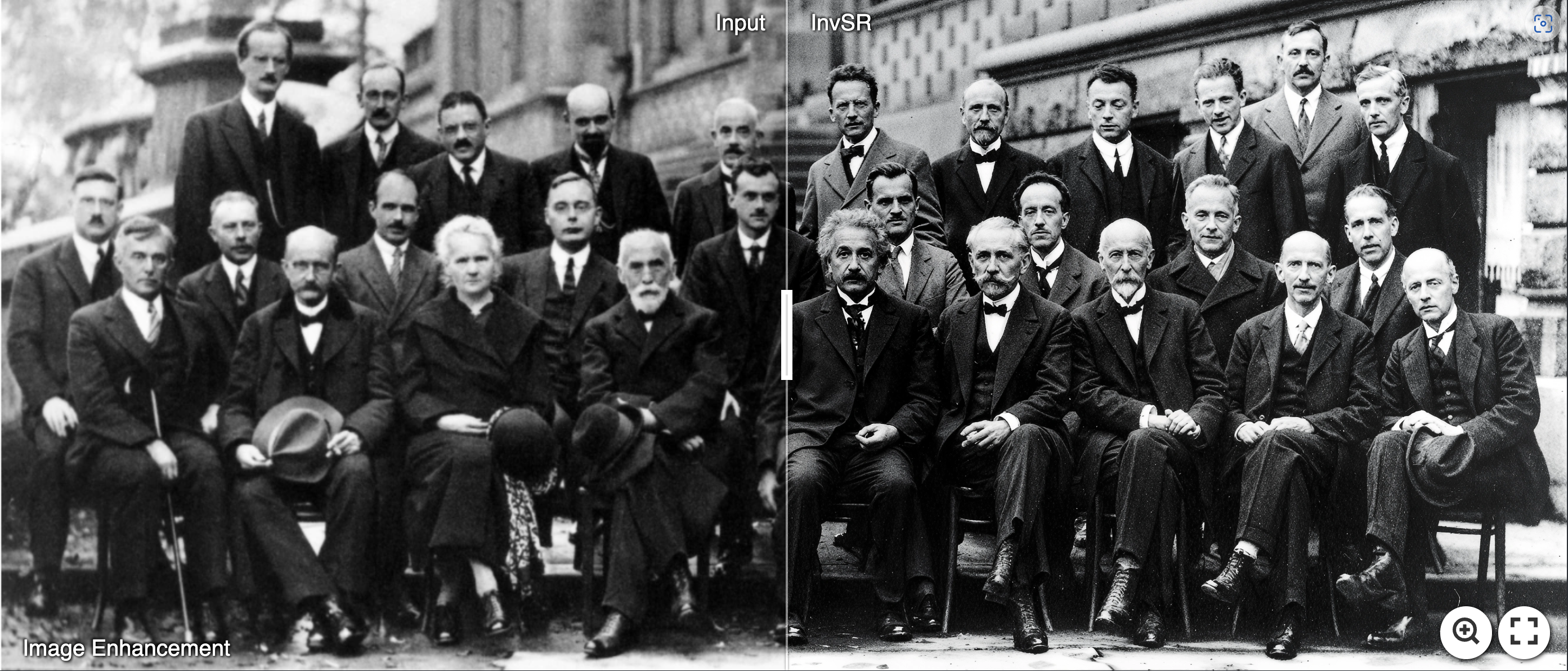
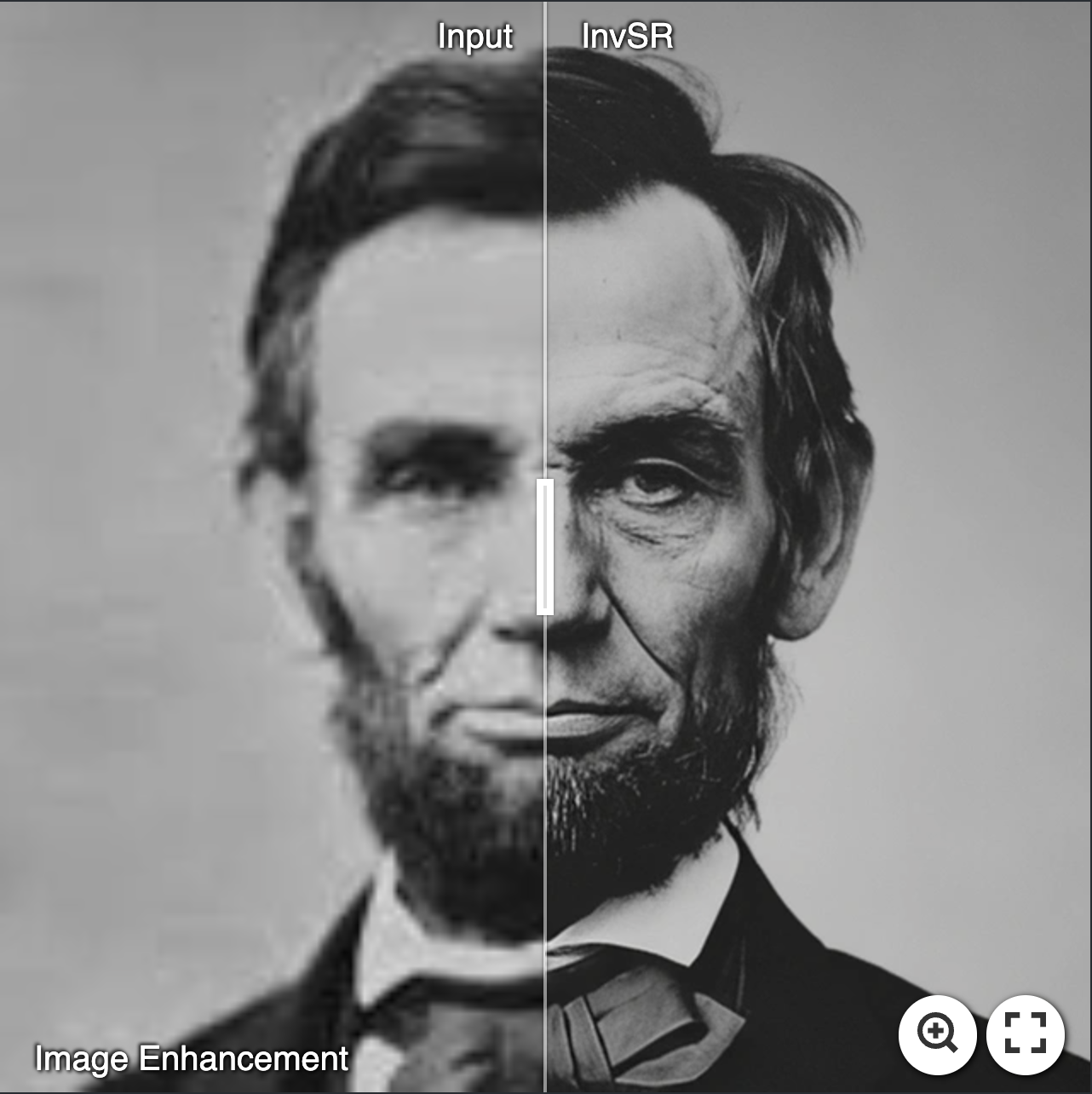
👉 General Image Inhancement
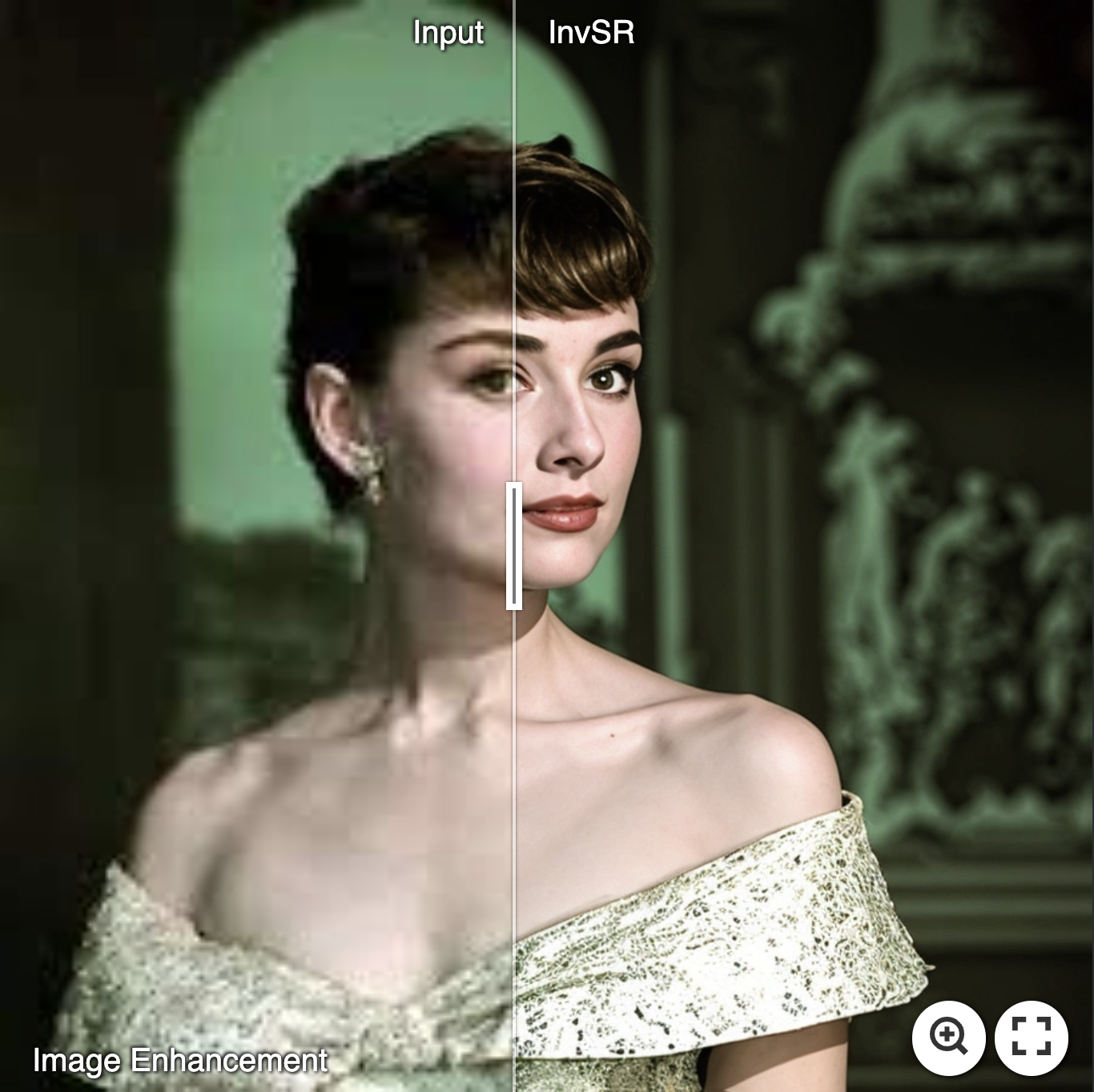
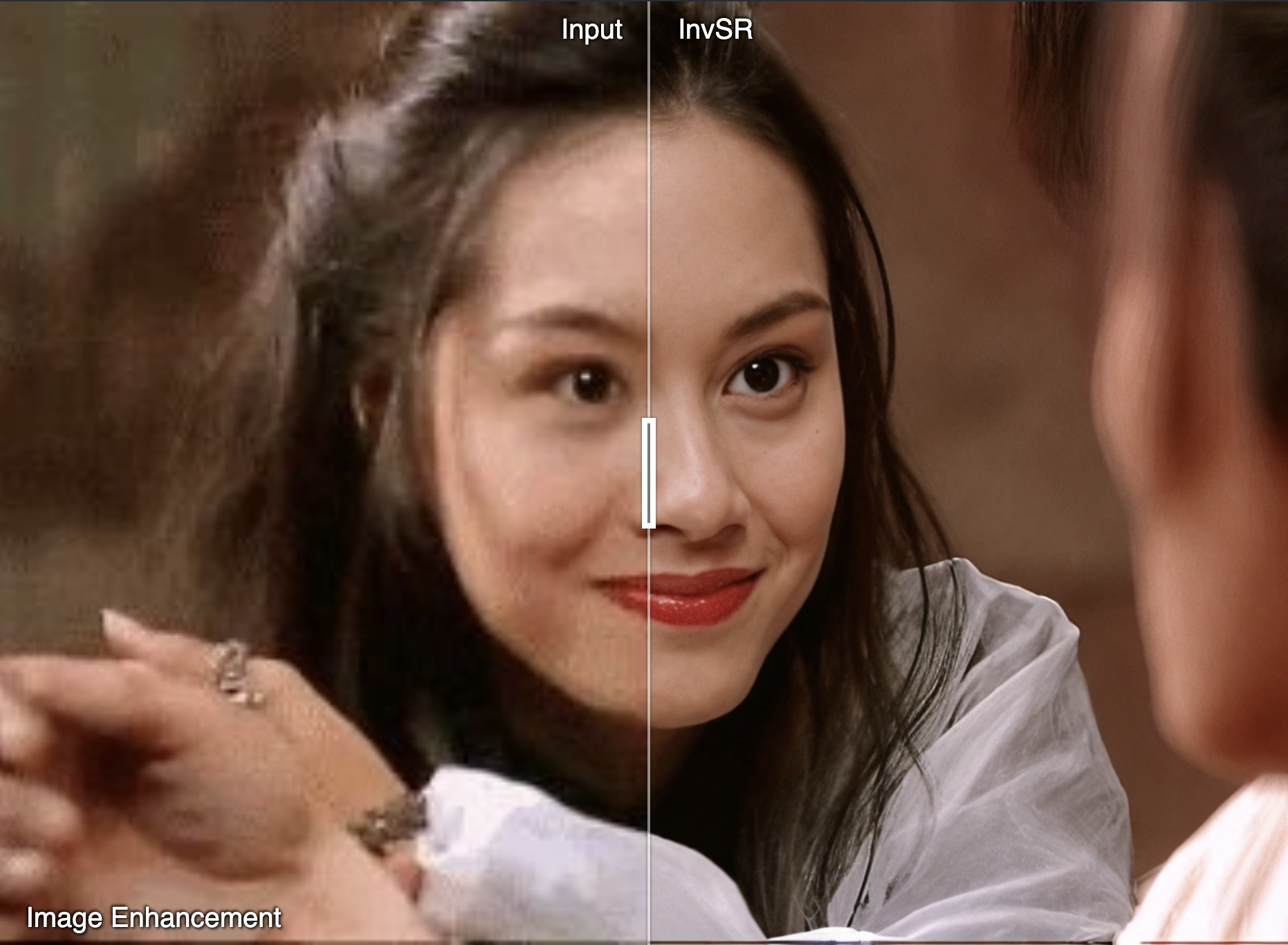
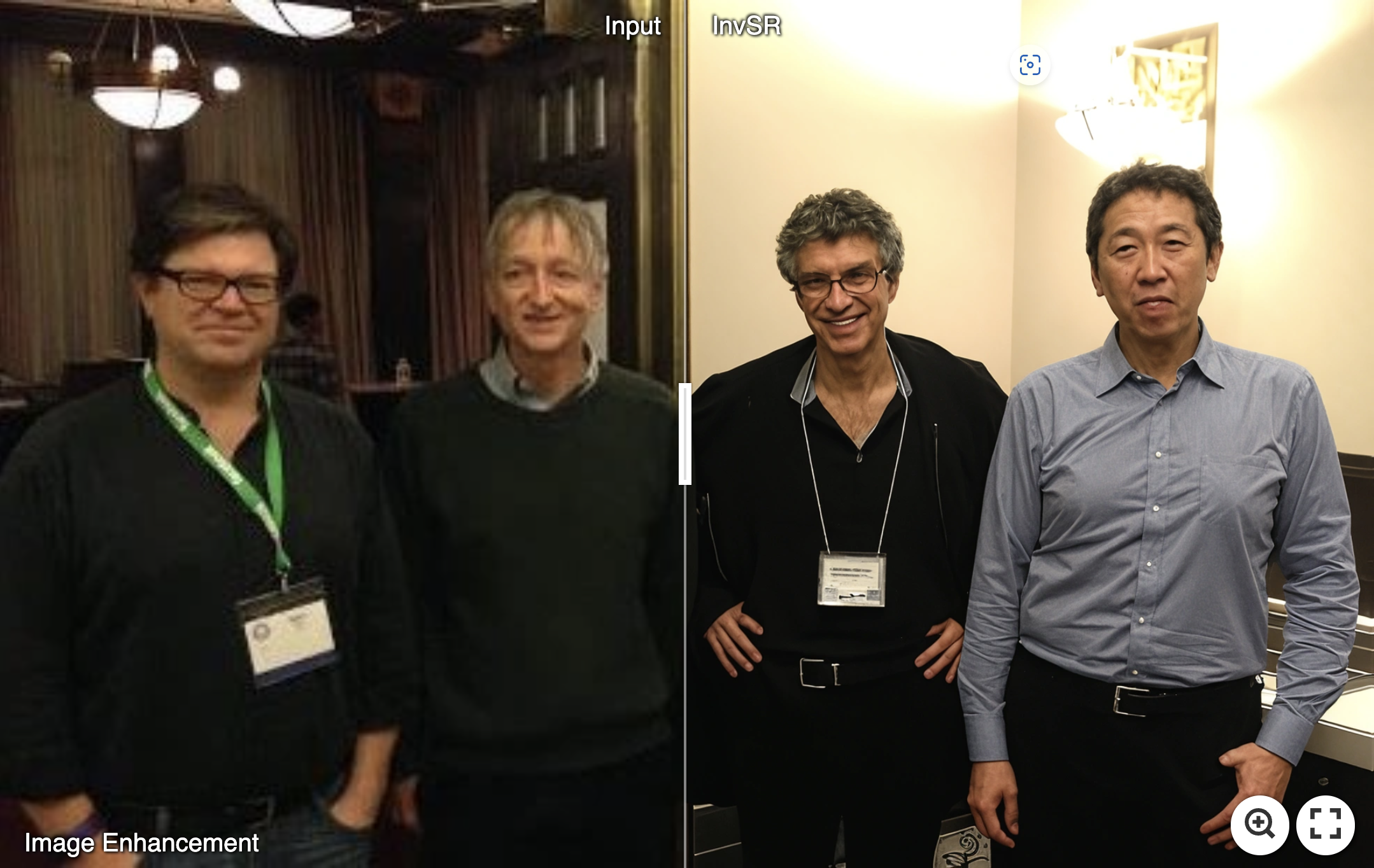
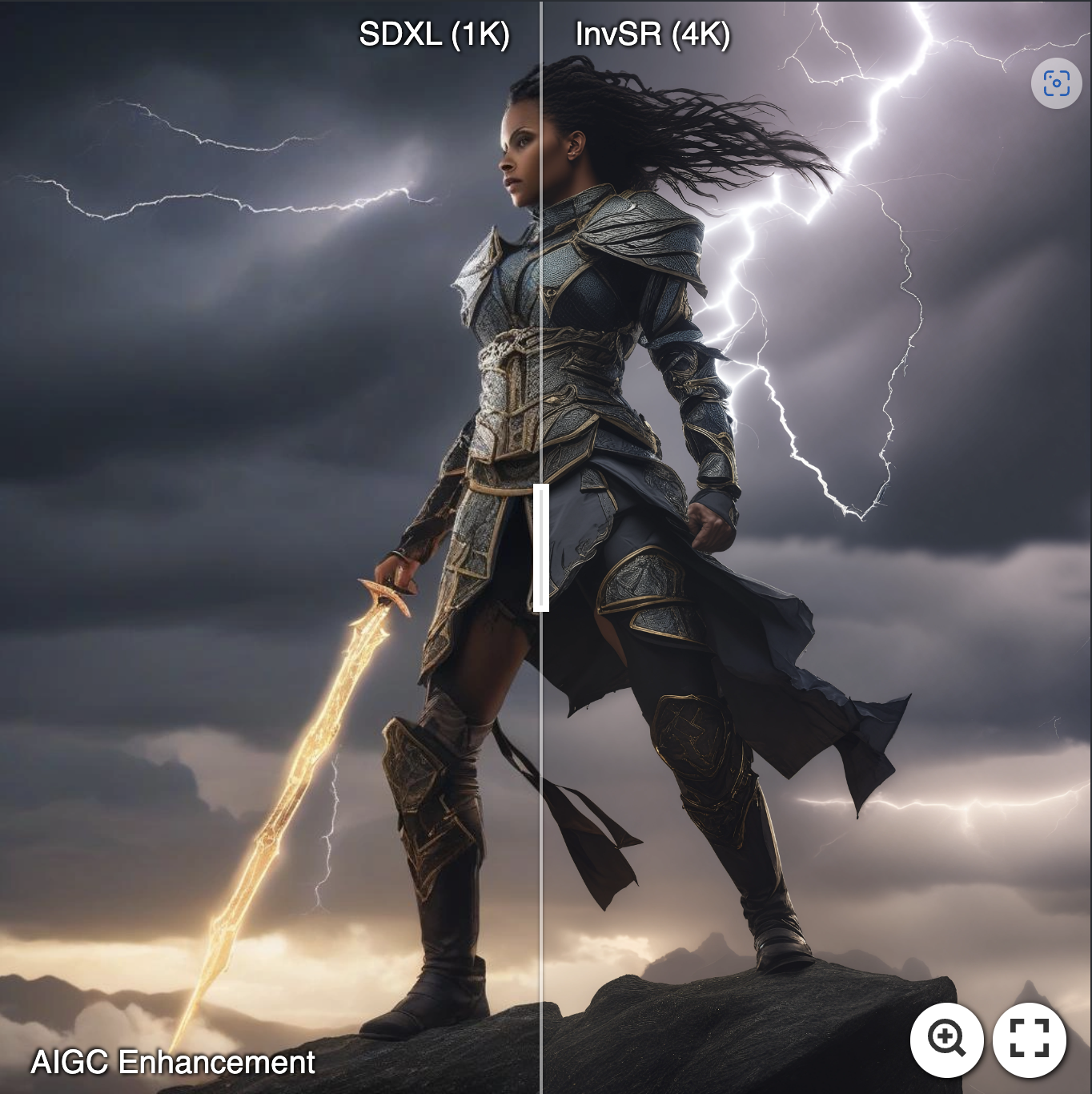
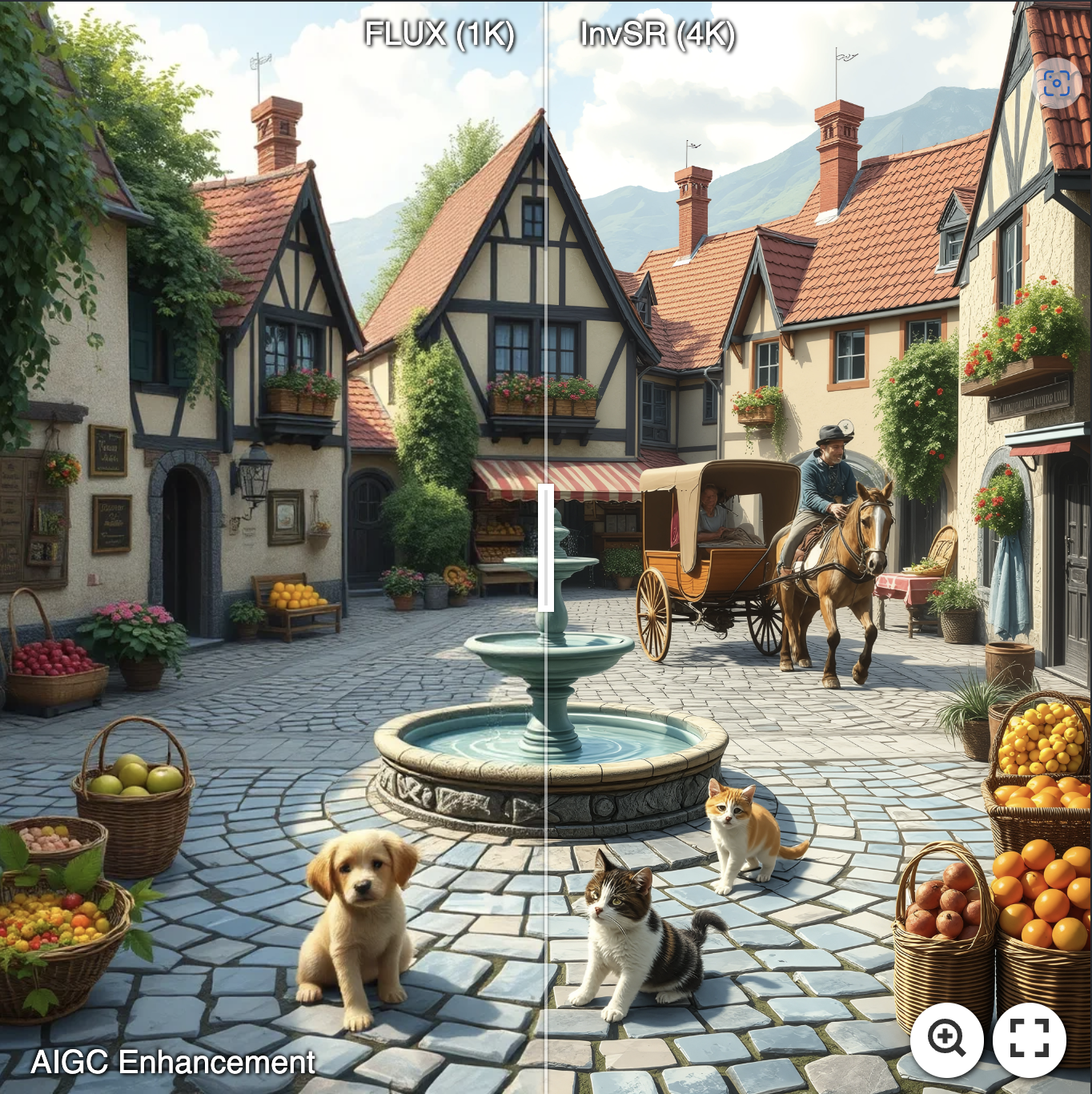
👉 AIGC Image Inhancement
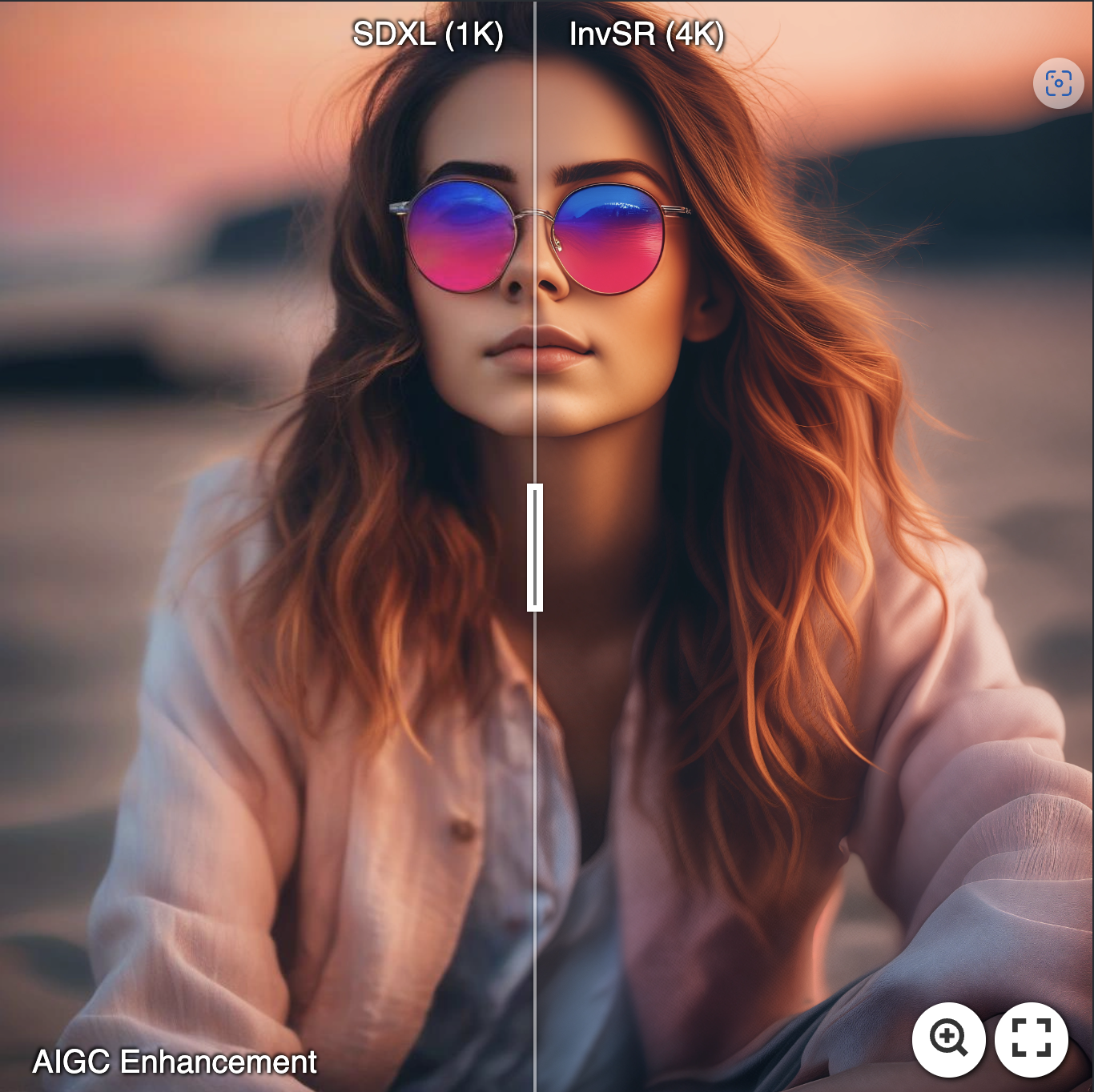
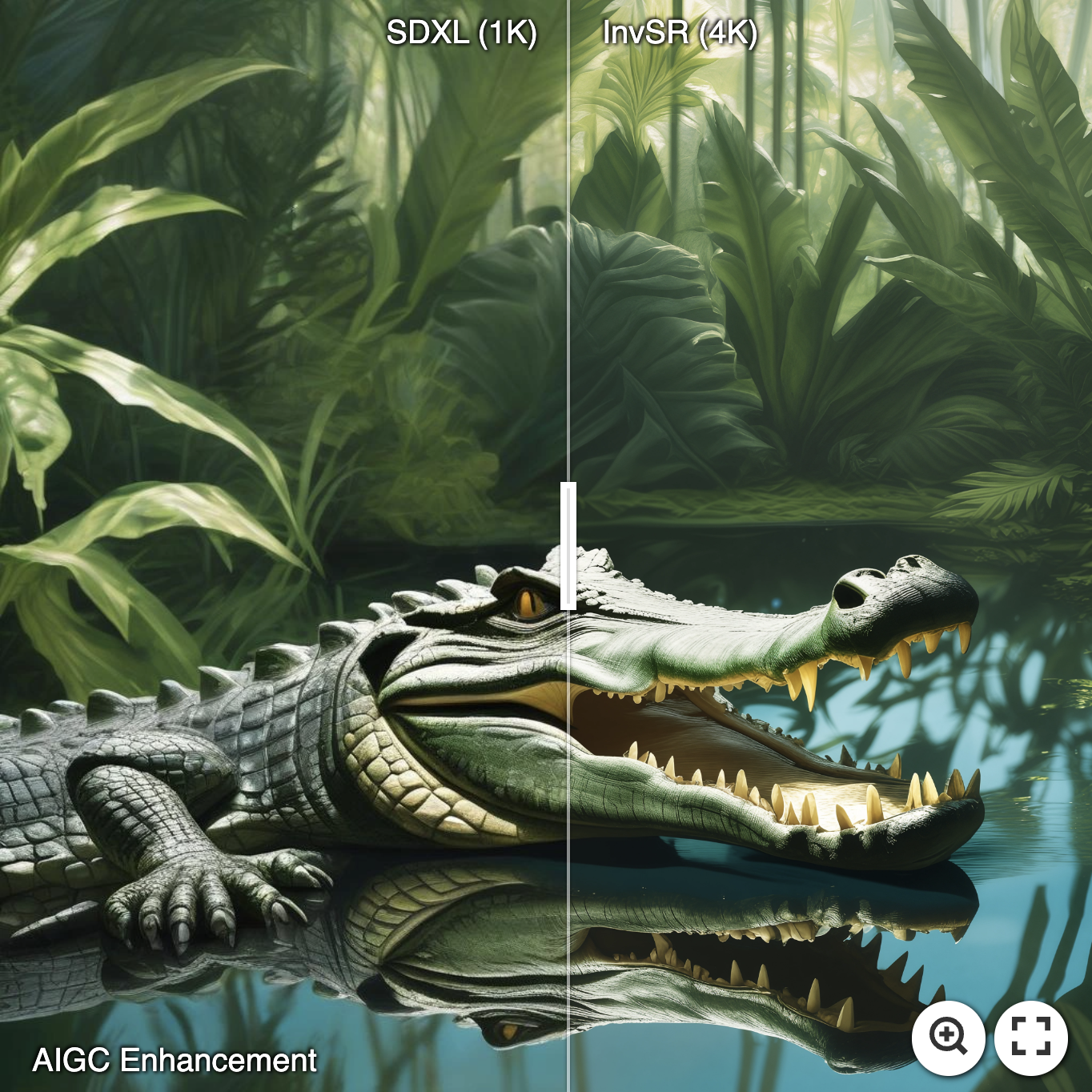
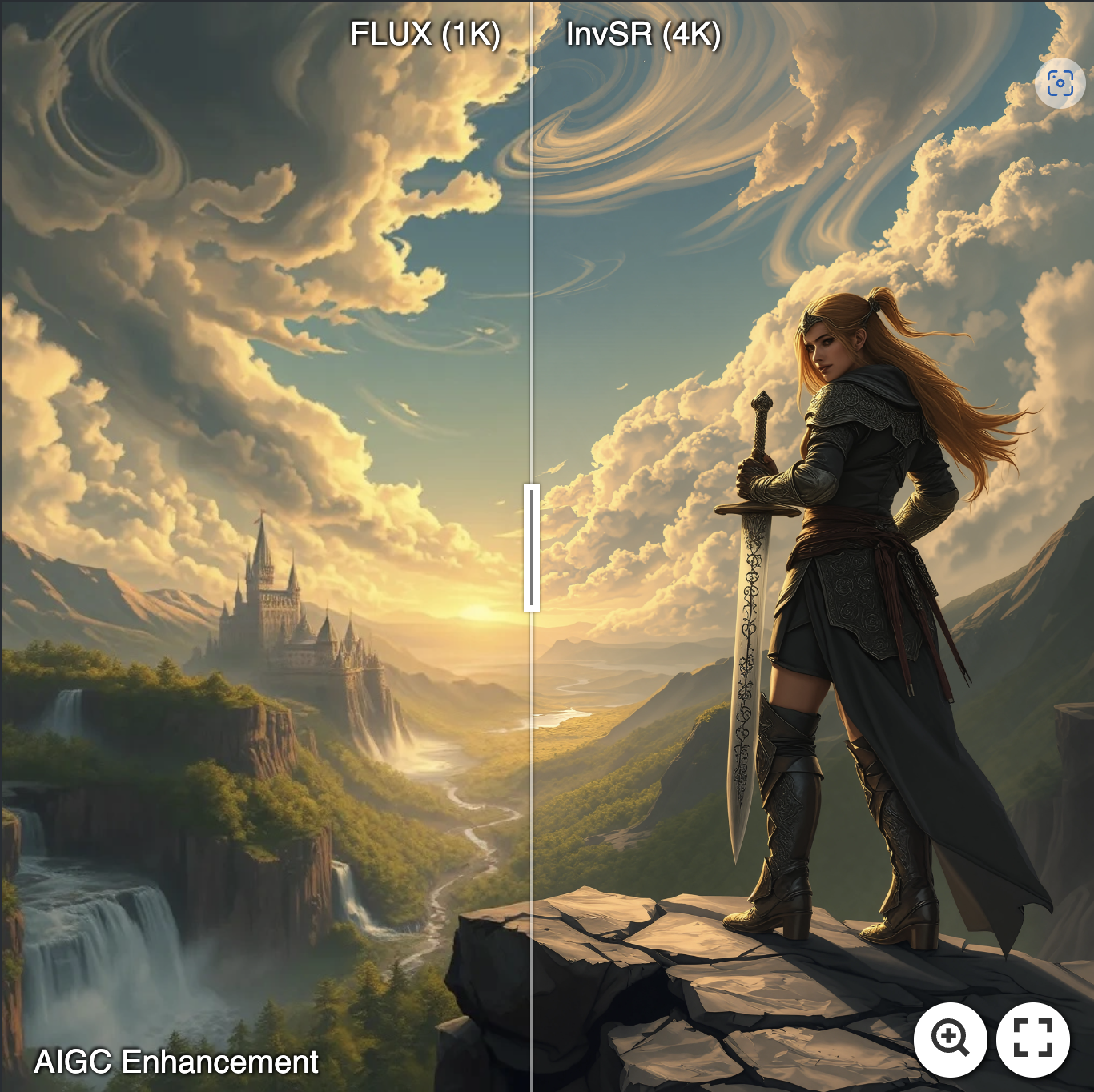
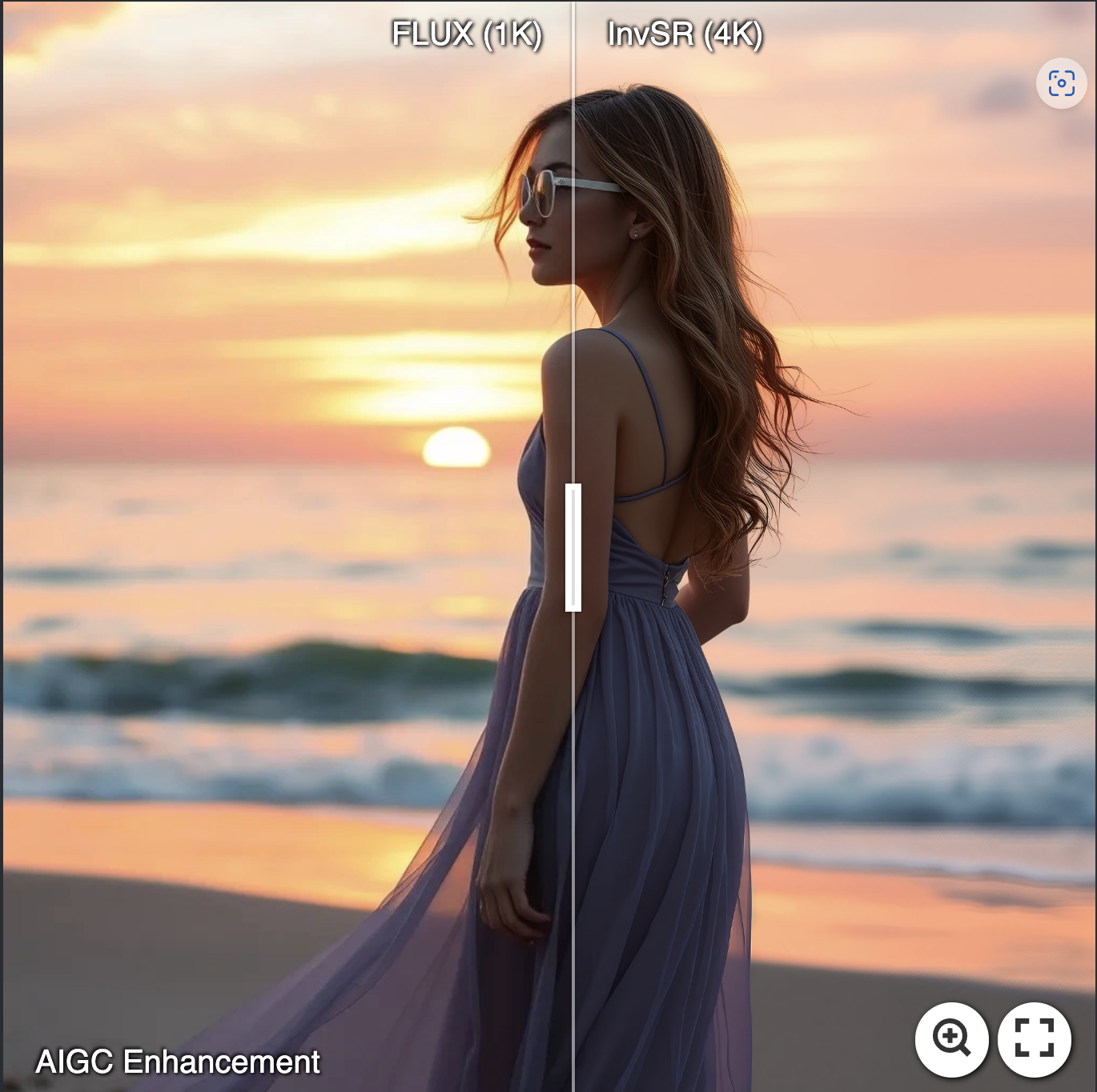
Inference
🚀 Fast testing
python inference_invsr.py -i [image folder/image path] -o [result folder] --num_steps 1
- This script will automatically download the pre-trained noise predictor and SD-Turbo. If you have pre-downloaded them manually, please include them via
--started_ckpt_pathand--sd_path. - To deal with large images, e.g., 1k---->4k, we recommend adding the option
--chopping_size 256. - You can freely adjust the sampling steps via
--num_steps.
✈️ Reproducing our paper results
-
Synthetic dataset of ImageNet-Test: Google Drive.
-
To reproduce the quantitative results on Imagenet-Test and RealSRV3, please add the color fixing options by
--color_fix wavelet.
Training
🐢 Preparing stage
- Download the finetuned LPIPS model from this link and put it in the folder of "weights".
- Prepare the config file:
- SD-Turbo path: configs.sd_pipe.params.cache_dir.
- Training data path: data.train.params.data_source.
- Validation data path: data.val.params.dir_path (low-quality image) and data.val.params.extra_dir_path (high-quality image).
- Batchsize: configs.train.batch and configs.train.microbatch (total batchsize = microbatch * #GPUS * num_grad_accumulation)
🐬 Begin training
CUDA_VISIBLE_DEVICES=0,1,2,3 torchrun --standalone --nproc_per_node=4 --nnodes=1 main.py --save_dir [Logging Folder]
🐳 Resume from interruption
CUDA_VISIBLE_DEVICES=0,1,2,3 torchrun --standalone --nproc_per_node=4 --nnodes=1 main.py --save_dir [Logging Folder] --resume save_dir/ckpts/model_xx.pth
License
This project is licensed under NTU S-Lab License 1.0. Redistribution and use should follow this license.
Acknowledgement
This project is based on BasicSR and diffusers. Thanks for their awesome works.
Contact
If you have any questions, please feel free to contact me via zsyzam@gmail.com.