English | [简体中文](README_zh.md)


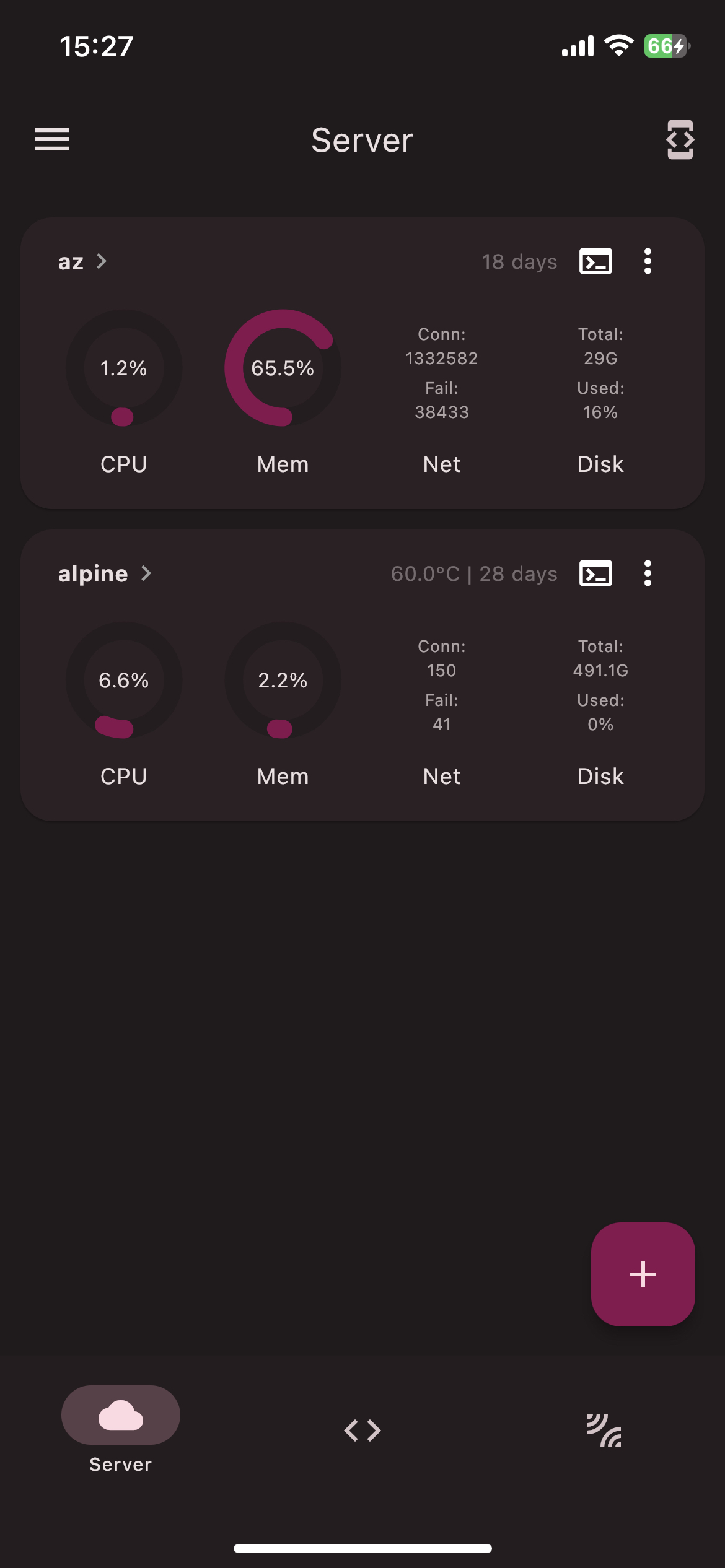
A Flutter project which provide charts to display Linux server status and tools to manage server.
Especially thanks to dartssh2 & xterm.dart.
## 🔖 Feature
- [x] Functions
- [x] `SSH` Terminal, `SFTP`
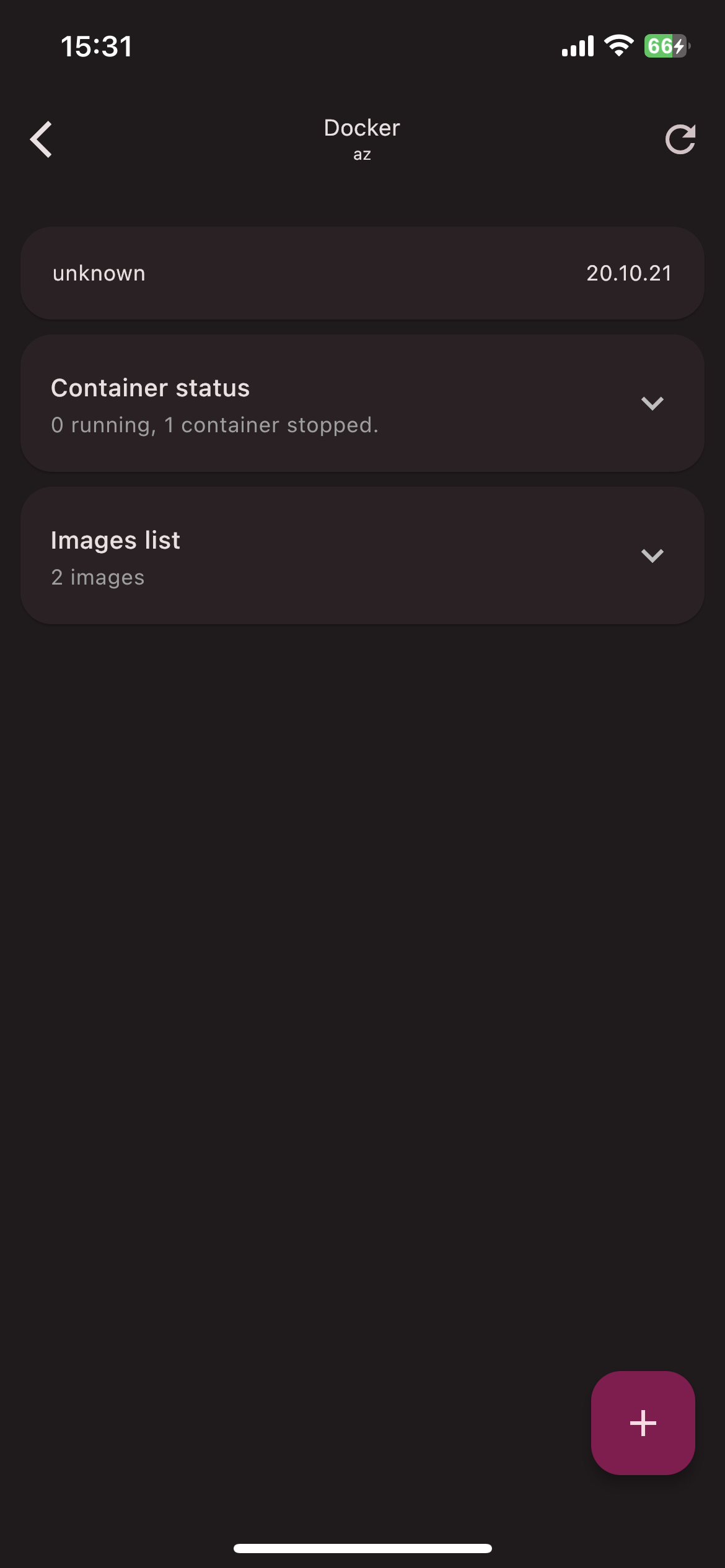
- [x] `Docker & Pkg` Manager
- [x] `Status` charts
- [x] `Code editor`
- [x] `Ping` and etc.
- [x] Localization ( English, 简体中文, Deutsch, 繁體中文. [How to contribute?](#l10n-guide))
- [x] Desktop support
## 📩 Push
In order to push server status to your portable device without opening ServerBox app, you need to install [ServerBoxMonitor](https://github.com/lollipopkit/server_box_monitor) on your servers, and config `iOS / Webhook / ServerChan`.
## 🆘 Help
If you have any question or feature request, please open a [discussion](https://github.com/lollipopkit/flutter_server_box/discussions/new/choose).
If ServerBox app has any bug, please open an [issue](https://github.com/lollipopkit/flutter_server_box/issues/new).
## 📱 ScreenShots
## 🖥 Platform
Status|Platform
--- | ---
Full Support| Android / iOS / macOS
Support, but not tested| Windows / Linux
## l10n guide
1. Fork this repo and clone forked repo to your local machine.
2. Create `arb` file in `lib/l10n/` directory
- File name should be `intl_XX.arb`, where `XX` is the language code. Such as `intl_en.arb` for English and `intl_zh.arb` for Chinese.
3. Add content to the file. You can refer to `intl_en.arb` and `intl_zh.arb` for the format.
4. Run `flutter gen-l10n` to generate files.
5. Pull commit to your forked repo.
6. Request a pull request on my repo.
## 📝 License
1. You can package it for personal use, but you can't distribute it. (For example: You can teach others how to package it to avoid spending money to buy App, but you can't directly distribute the App you packaged.)
2. Except for the above, apply the `GPLv3` license.